No app, no cablePrint with a single QR scan
Scan the QR code on the kiosk screen and do everything from your phone — from picking a photo to paying. In about 20 seconds, a photo-lab-quality print comes out right there.
No app to install.
Prints in 20 sec
A reason to take photos — SELPIC
- No install
- QR in 3 sec
- Pay on site
-
01
Scan & connect
Links the store automatically(or type code 0000)
-
02
Pick a menu
Four-cut · Photo · ID
-
03
Choose & edit
Set quantity and size
-
04
Pay
On your phone or at the kiosk
-
05
Collect prints
Printed right at the kiosk
From a single photo to documents and cardsWhat would you like to print?
A single kiosk supports a range of outputs. Available options may vary by location and model, so check the screen.
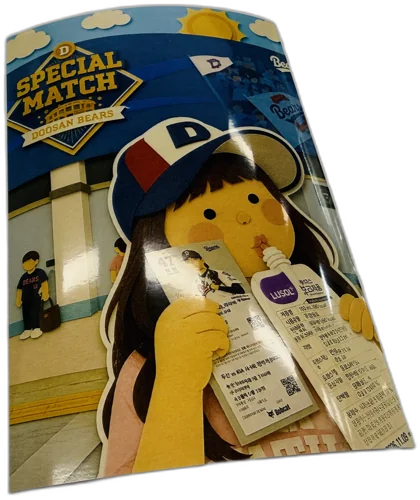
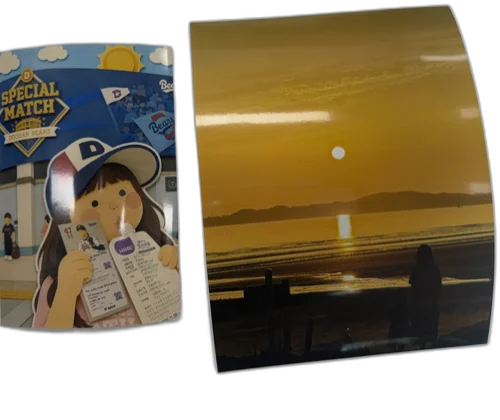
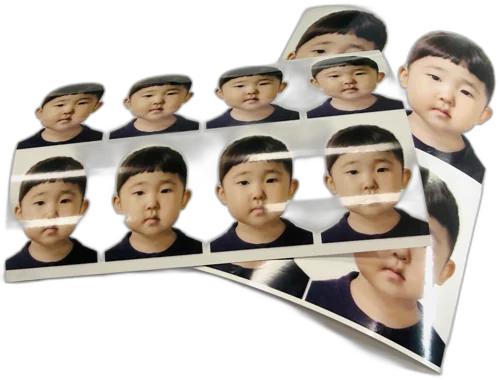
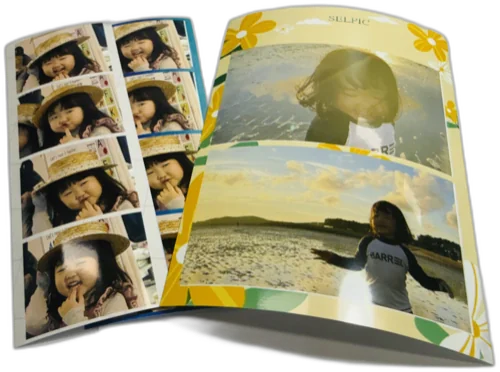
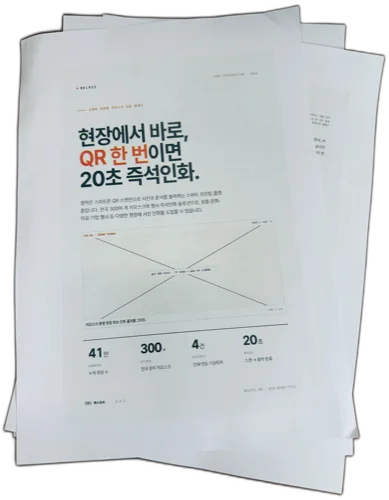
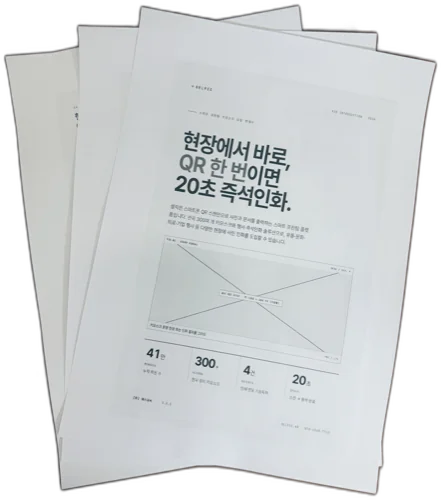
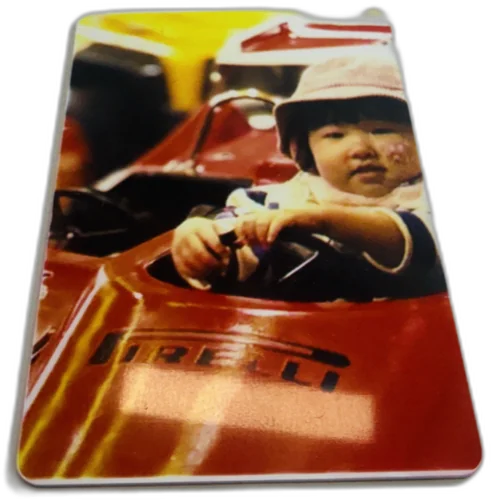
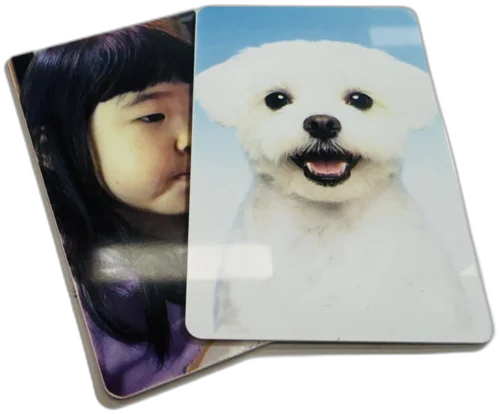
Photo printing
From standard 4×6, 6×8 and 8×10 sizes to ID photos and collages (4-cut). Print the moments of a wedding, first birthday, trip or everyday life in true photo-lab quality.
A4 document printing
Print documents or materials you need in a hurry straight to A4. Pull a file from your smartphone via the QR link and print it with no waiting.
Card printing
Supports card-format output such as membership cards, business cards and photo cards. Available on models equipped with the card printer option.
The same process photo labs useQuality finished with dye-sublimation
Every SELPIC kiosk uses a dye-sublimation printer. Unlike inkjet, it turns color into heat so it diffuses into the paper, producing smooth, long-lasting prints with no smudging.

Kodak 305 · 8810
The dependable 305 for standard prints, and the 8810 for high-resolution 8×10 big-size prints. Printers proven on the studio floor.
HiTi P525
A model whose strengths are fast print speed and even color. A good fit for small spaces and high-turnover locations.
DNP DS620 · RX1
Pro-grade printers with excellent durability and color reproduction. They print a range of sizes reliably.
Starting prices by sizeReasonable printing rates
The amounts below are starting prices and may vary by location and frame option.
| Size | Starting price |
|---|---|
| 4×6 photo | From KRW 1,000 |
| 6×8 photo | Separate (varies by location) |
| 8×10 photo | Separate (varies by location) |
| ID photo · collage (4-cut) | Separate (varies by location) |
| A4 document · card | Separate (varies by location) |
Exact pricing is shown on each kiosk screen. The final amount is displayed at the payment step after you choose the size and frame.
Print your photos right now
Find a nearby location and hold a print in your hand in 20 seconds — with just your smartphone.
Build new revenue
together with SELPIC
Store deployment · event rental · API · advertising — we'll walk you through the many ways to partner.