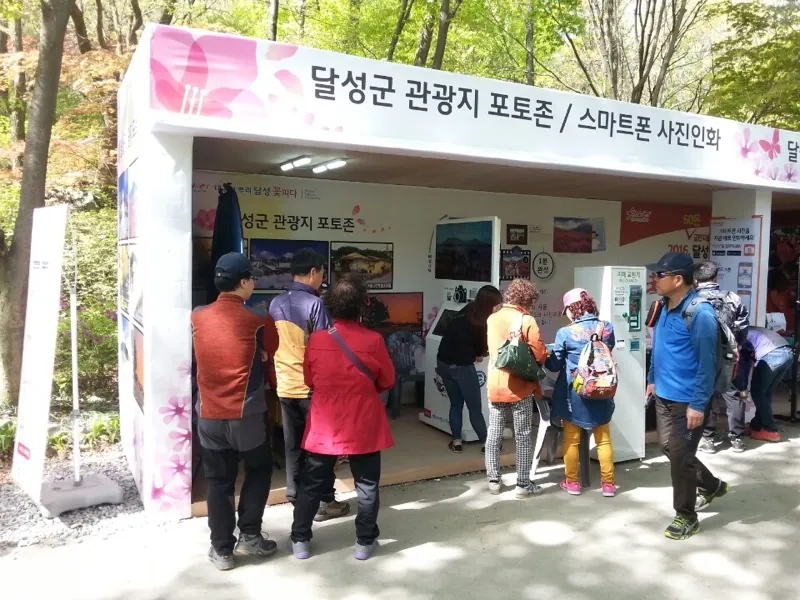
"The shortest line of any photo booth. Over 200 prints per session with no operator, and the branded frame carried straight to social media."
S Festival · Operations
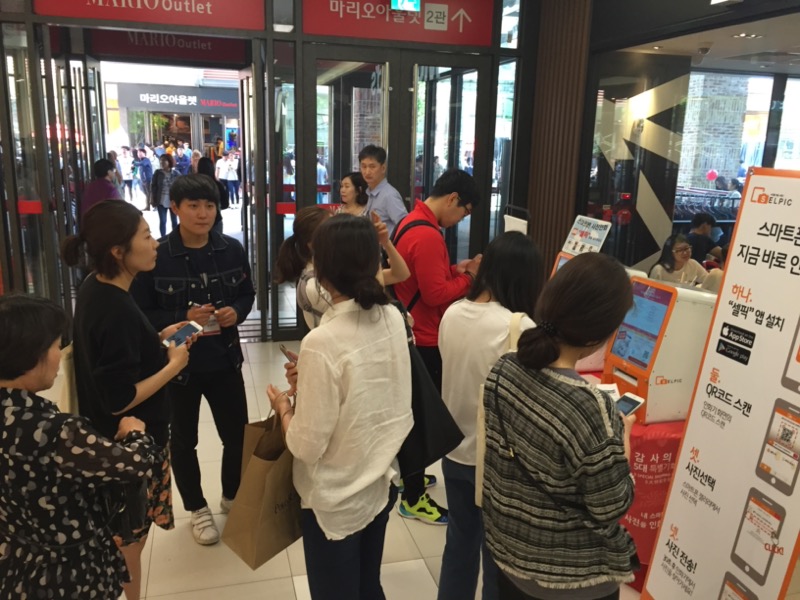
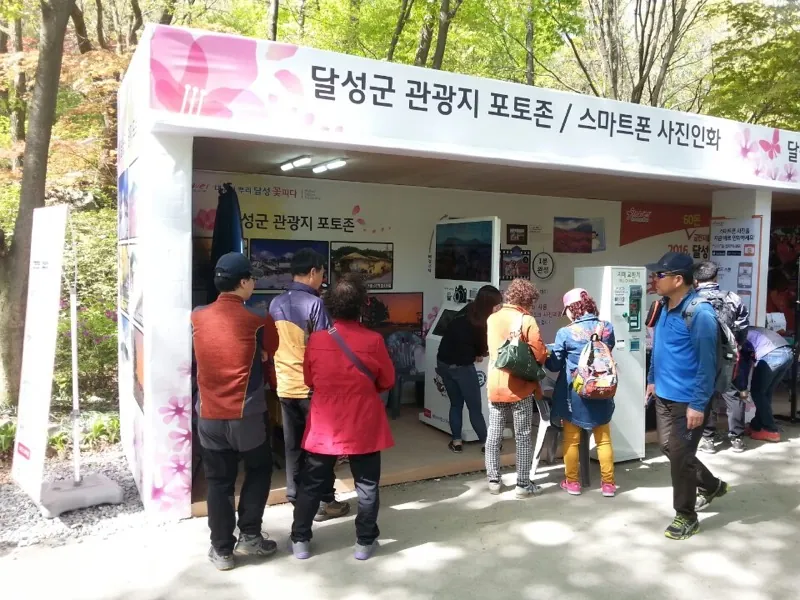
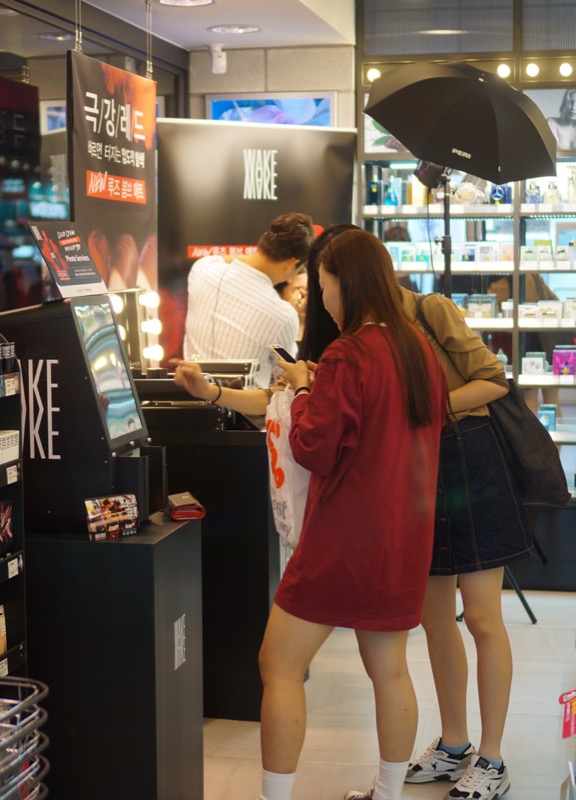
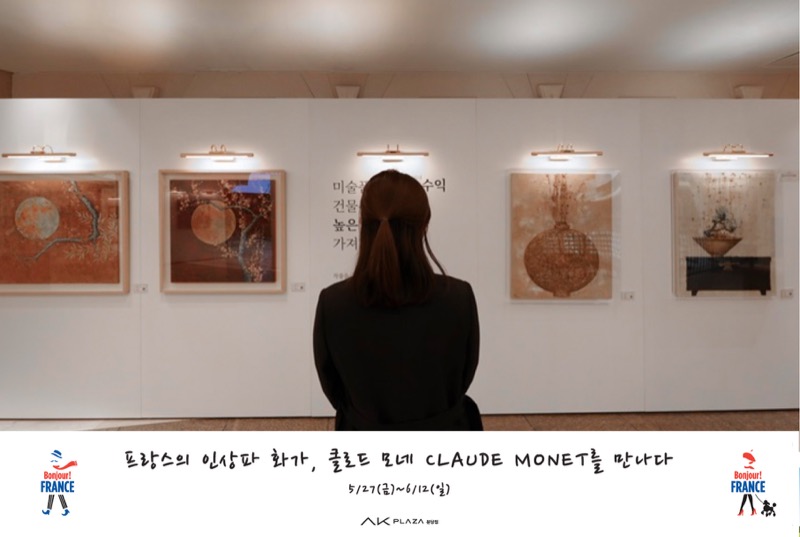
We set up SELPIC instant photo printing kiosks on-site as a short-term rental. From custom frame design to setup, teardown, remote monitoring and brand exposure — a memorable experience for your audience, and a proven crowd draw for organizers.
Every service applies your branding automatically and prints on the spot. Run FreePhoto, FourCut, AI Cut and Survey on their own or in combination to fit your event.
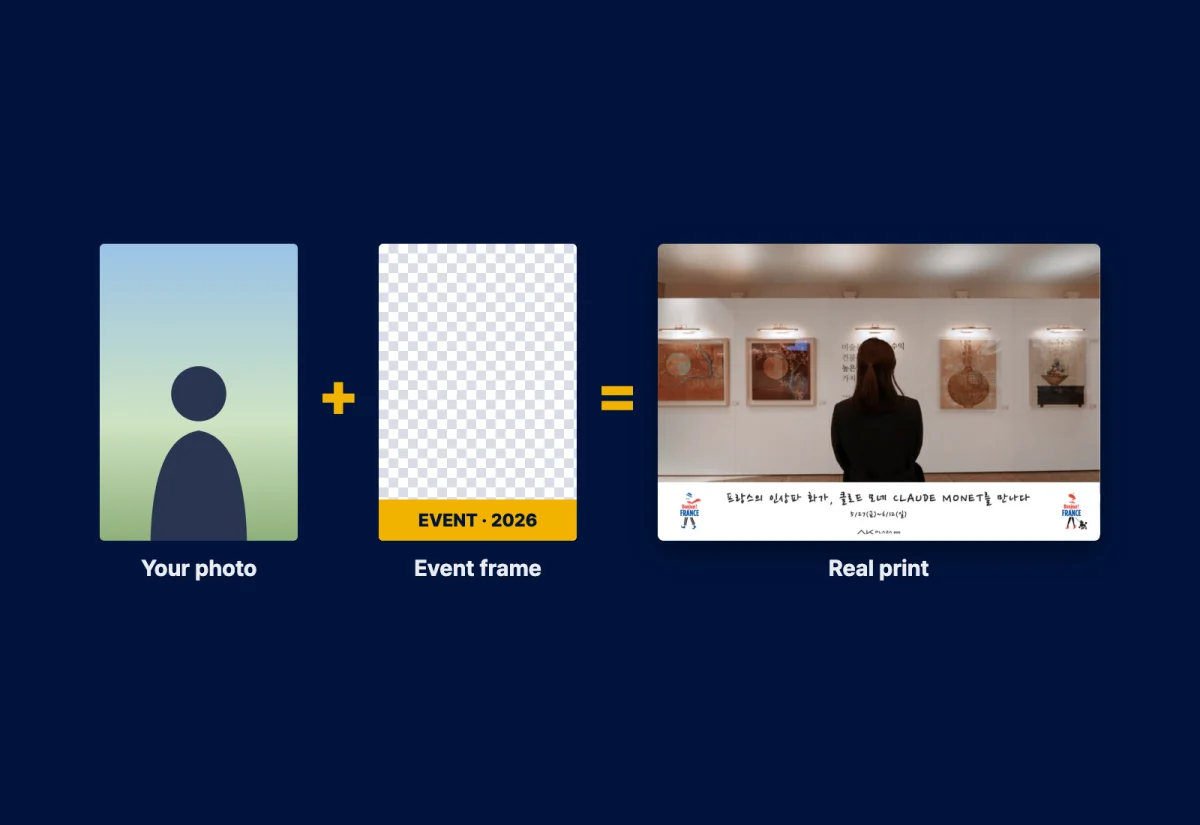
Guests print their favorite photos for free, while organizers embed a branded frame into every single print that spreads across social media.
When a user picks photos from their gallery, your logo and watermark overlay is applied automatically and printed right there. Multiple photos can be selected at once with no editing, so the line keeps moving.
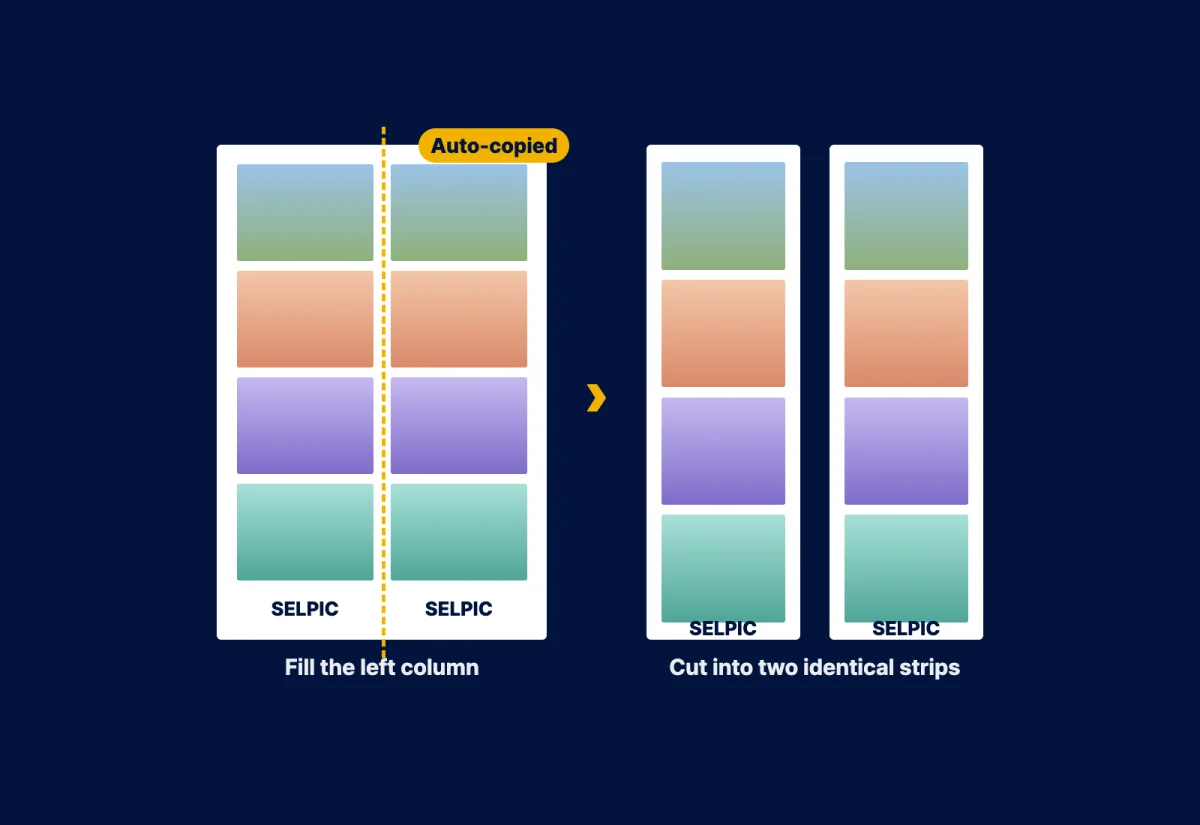
Pick from eight templates, shoot, then split-cut it to share a strip each with a friend.
With multiple layouts to choose from, guests edit on the spot with touch drag and pinch zoom. Your overlay frame is composited automatically — a full four-cut booth with no extra equipment.
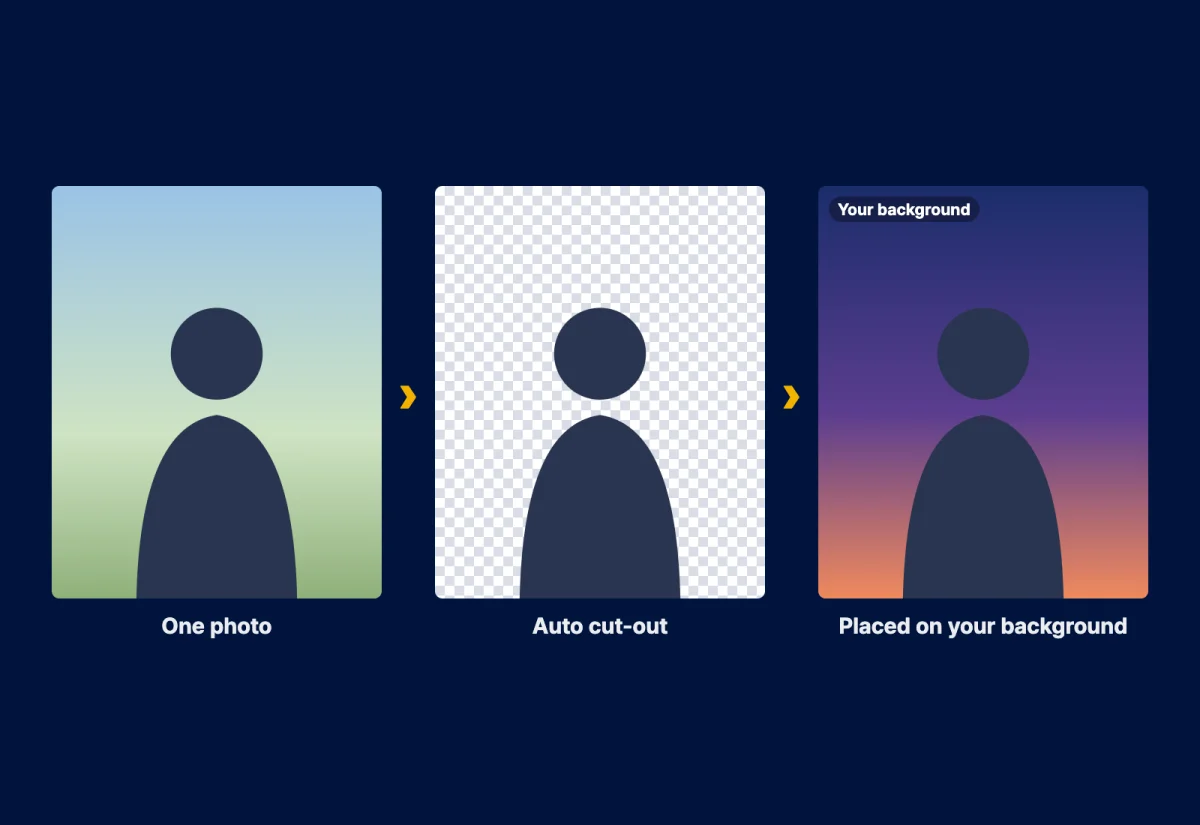
AI cuts out the person and places them onto your event background. The user does no editing at all.
Upload a single photo and AI removes the background automatically, then places the subject naturally onto the background you prepared — printed in about 10 seconds. Themed backgrounds create a keepsake unique to your event.
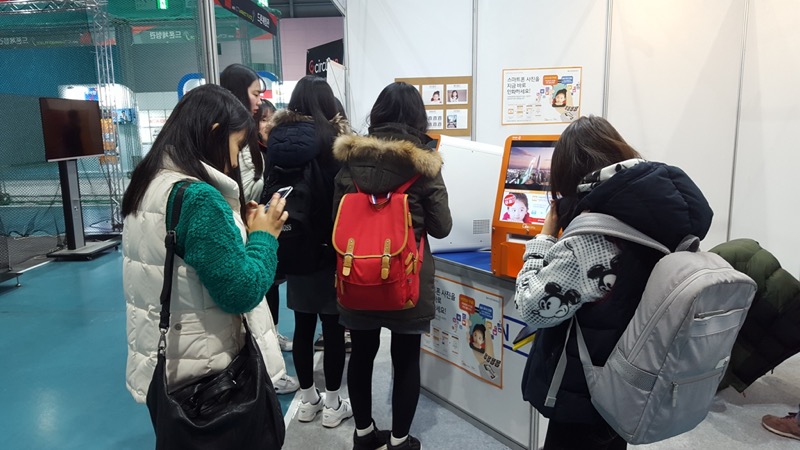
Offer a free print as the reward and response rates jump 3×, while attendee data builds up in real time.
QR scan → survey → photo select → printed goods, all handled on one kiosk. Design custom surveys with multiple choice, open-ended and star ratings, then export responses and the attendee database to Excel for immediate marketing use.
Every photo prints on 4×6 inch (102×152mm) paper at 300dpi. Pick one of the layouts below, or let us design a frame built around your event concept.

1 photo
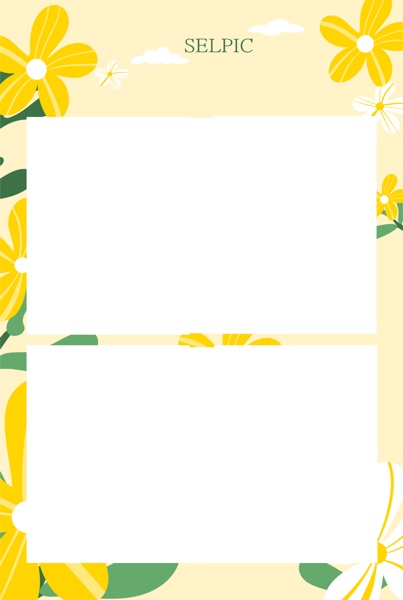
2 photos
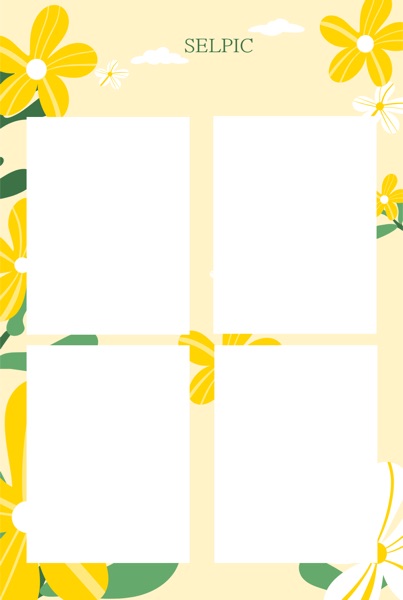
4 photos
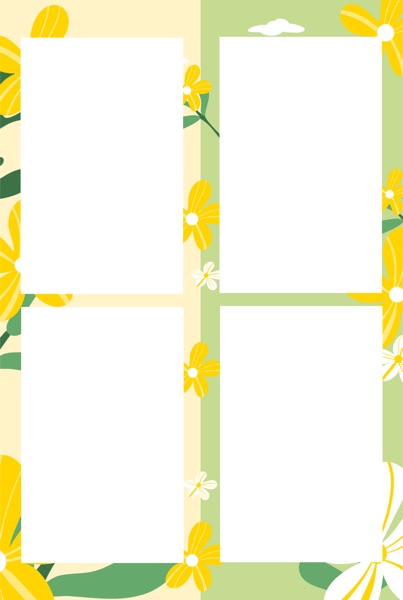
Split × 2
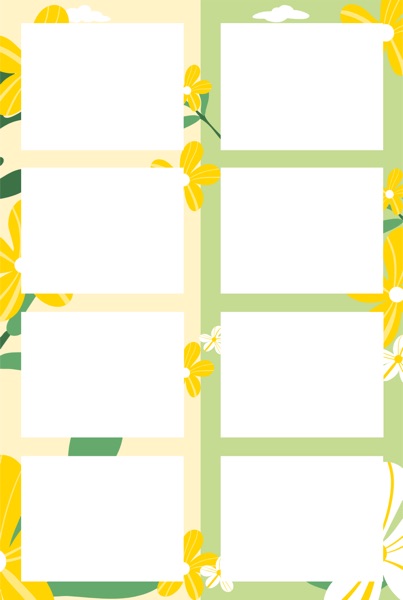
Split × 2
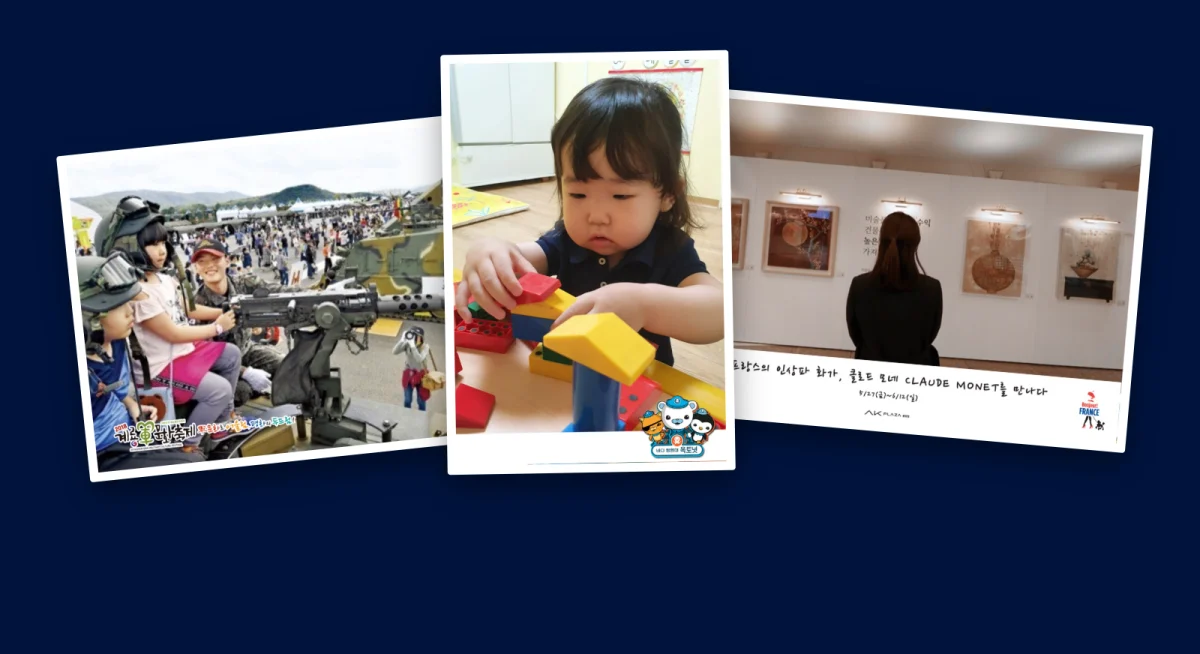
Real output: the guest's own photo with your event frame composited automatically.
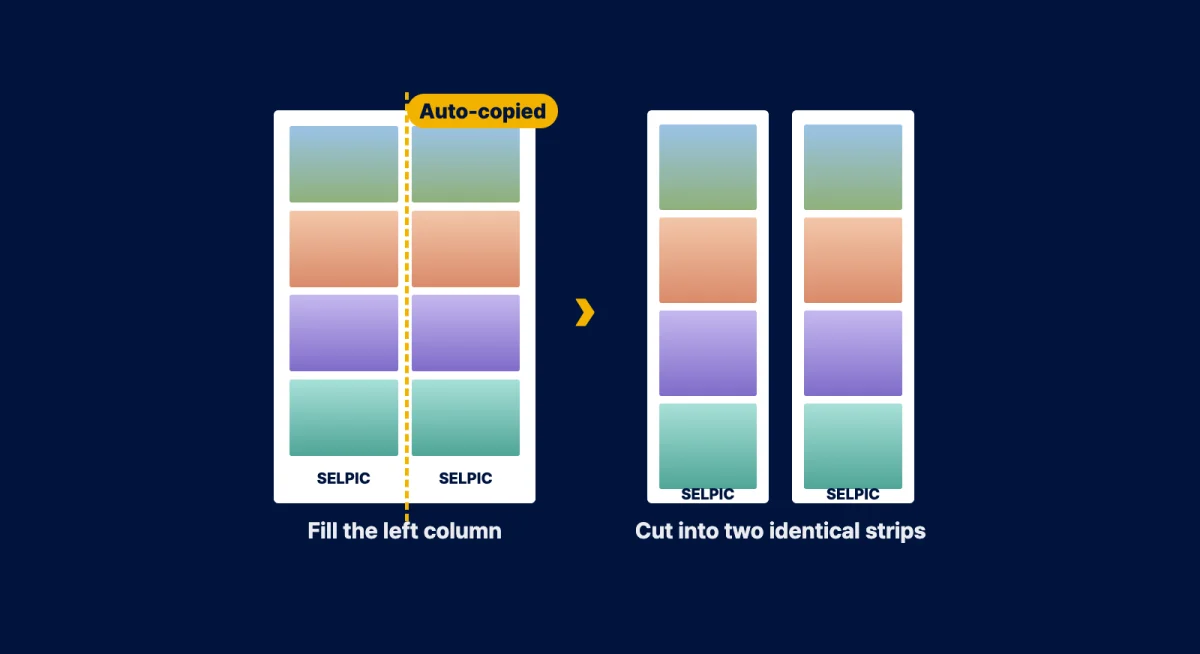
One print, cut in two — one strip each. It drives couples and friends to join together.
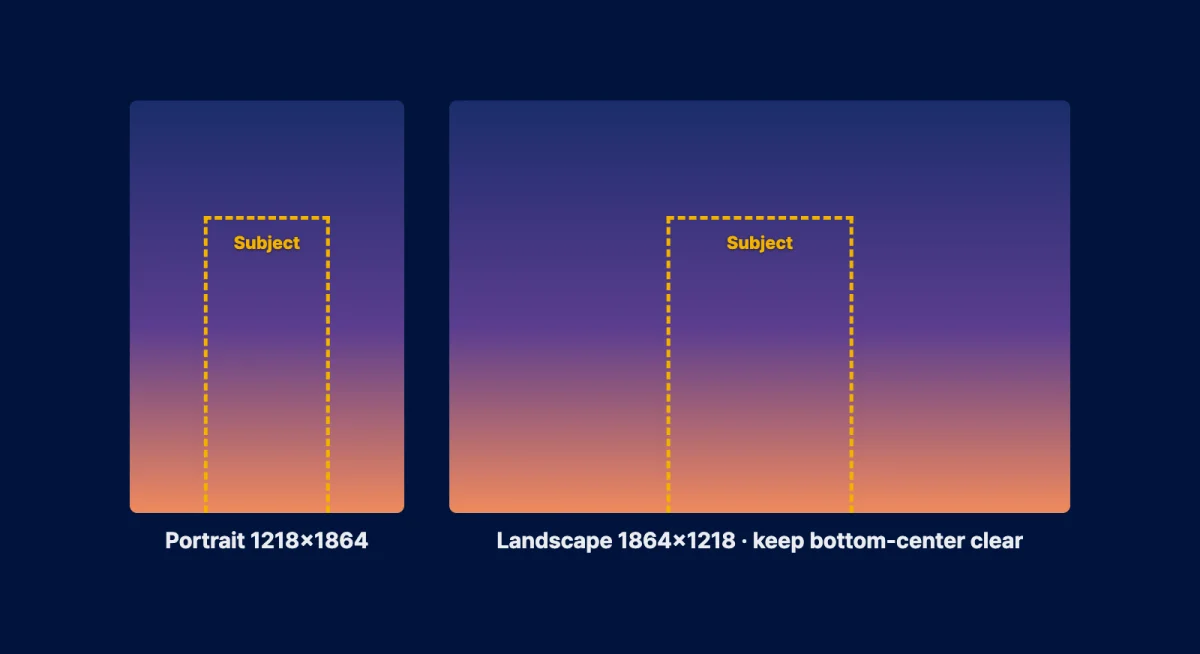
Supply backgrounds that match your theme; the AI cuts out the subject and places it on top.
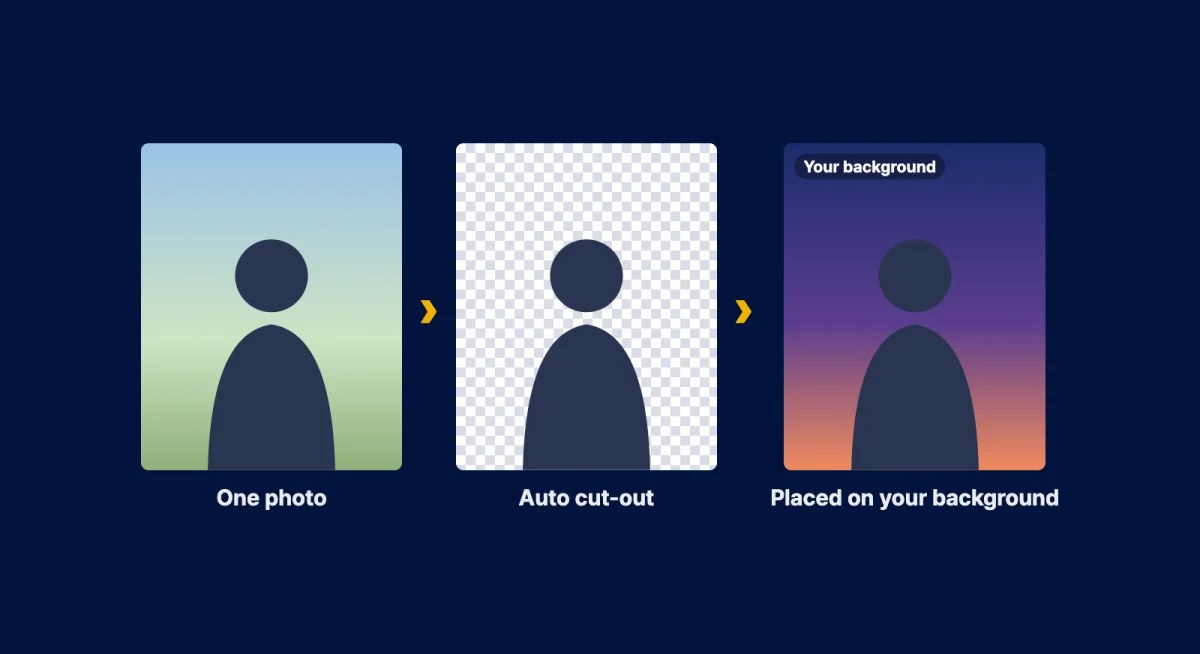
Upload → automatic AI cutout → composited print, all in about 10 seconds.
Tell us your event name and dates — we will send an estimate along with a frame design direction.
These are the original 4×6 inch prints that came out of real events — uncropped and unretouched, with the client logos and event branding exactly as they printed. Click any photo to see it at full size.
| Category | Traditional booth | SELPIC instant print |
|---|---|---|
| App install | Sometimes required | Not needed |
| Photo source | On-site capture only | Free choice from gallery |
| Wait time | Queue up and wait | No wait (20 sec) |
| Frame customization | Limited | Fully customizable |
| Quantity control | Manual | Automatic |
| Surveys | Run separately | Integrated with printing |
| Data collection | Not possible | Real-time collection |
Print photos free for your audience. A natural line forms at your booth, dwell time grows, and photos carrying your branded frame spread straight to social media.
From a one-day pop-up to a large festival, we flexibly configure by duration and scale. Prices below are starting rates for a single kiosk; the daily rate drops as the rental runs longer.
A base package suited to one-day pop-ups and smaller events. The rate depends on the number of kiosks, location and other conditions; we confirm it in your quote.
A value package for exhibitions, expos and longer promotions.
A tailored setup for festivals, concerts and corporate events at scale.
We recommend at least two days' notice to cover frame production and delivery. On a tighter timeline? Message us on KakaoTalk first.
All you provide is one power outlet and floor space for a single kiosk.
Floor space per kiosk (120cm tall). Allow roughly 1×1m including the queue.
Runs off a standard outlet — no electrical work required.
Connect over venue WiFi or wired (UTP), whichever is easier.
SELPIC handles delivery, setup and teardown. Book at least 2 days ahead.
We design a dedicated frame to match your event logo and theme. Every photo a guest prints becomes a piece of brand promotion. Prefer to design it yourself? See the guide below.
Frame & overlay design guideSELPIC handles delivery and setup before the event and teardown afterward. During operation we monitor device status, print volume and paper levels remotely — running reliably without on-site staff.
Sponsor and brand ads run on the kiosk screen and idle screen. Even the moment of waiting for a print becomes a brand touchpoint.
Send your event details via the form or KakaoTalk.
We produce a custom frame for your event branding.
Kiosks are delivered and installed at your venue.
Reliable SELPIC service throughout the event day.
We collect the units and settle after the event.
"The shortest line of any photo booth. Over 200 prints per session with no operator, and the branded frame carried straight to social media."
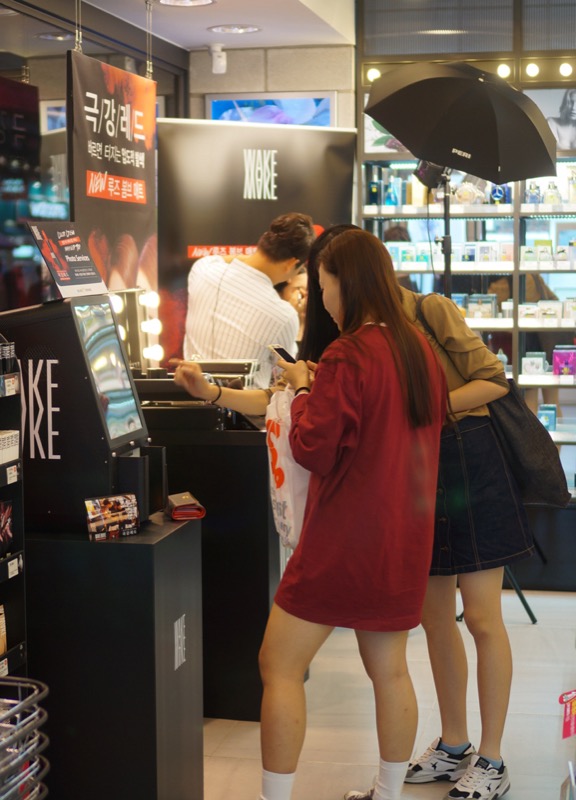
"The free-print event visibly increased foot traffic at the storefront. Everyone posted the branded frame photos, so the promotional impact was huge."
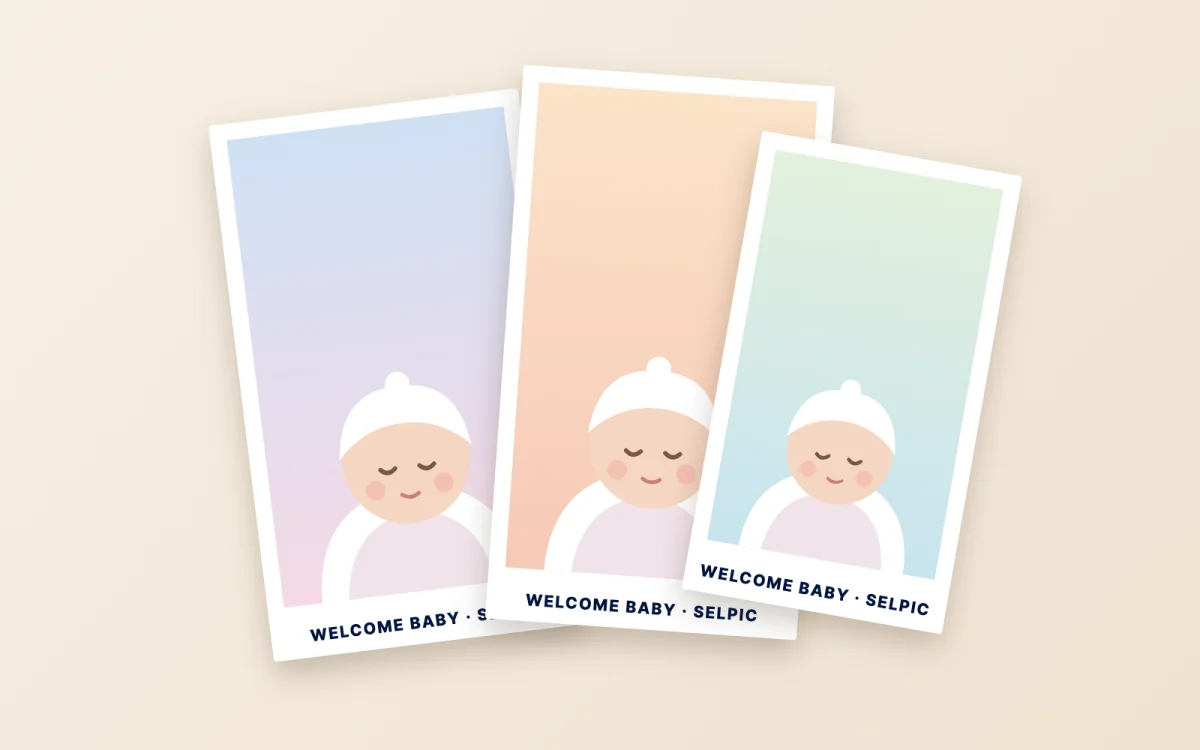
"Free baby-photo prints as a welcome event drew a wonderful response from mothers. We now have people coming back every day."
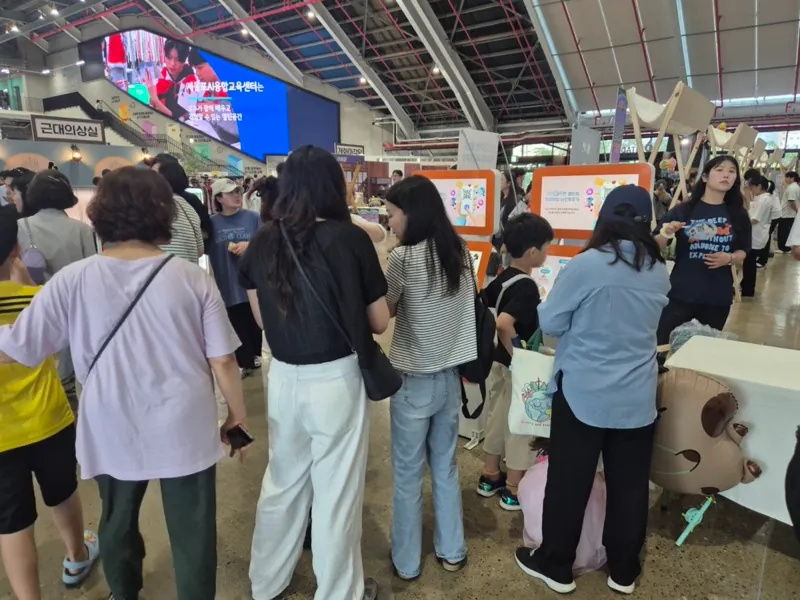
Share your event details and a manager will get back to you quickly with a tailored quote.
Find a nearby store and hold a print in your hand in 20 seconds, with just your phone.
Store rollout · event rental · API · advertising — we'll guide you through the options.